In the world of computing, the internal hardware acts as the foundation upon which your entire digital experience is built. While many components like RAM, storage, and motherboards are vital, two stand out as the undisputed leaders of performance: the CPU (Central Processing Unit) and the GPU (Graphics Processing Unit).
Understanding these two “engines” is the key to building or buying a system that doesn’t just work, but excels.
1. The CPU: The “Brain” of the Operation
The CPU is the central brain of any computer. Its primary responsibility is to interpret and execute commands from the operating system and applications. Whenever you click a mouse, type a letter, or open an app, it is the CPU that processes that instruction.
Key Factors of a CPU:
- Cores and Threads: Think of cores as individual workers. A quad-core CPU can handle four different tasks at once. Threads allow those cores to work more efficiently, simulating additional cores to handle complex multitasking.
- Clock Speed (GHz): This is the “speed” at which the CPU performs its cycles. A higher clock speed generally means snappier performance in single-core tasks, like launching applications or browsing the web.
- Architecture: Modern CPUs (like those from Intel’s Core series or AMD’s Ryzen series) are built on increasingly smaller, more efficient structures, allowing them to do more work while consuming less power.
When to upgrade: If your computer feels sluggish during day-to-day tasks, or if you are doing professional work like video encoding or data compilation, a more powerful CPU is your first priority.
2. The GPU: The “Visual Artist”
If the CPU is the brain, the GPU is the specialized artist. While a CPU can handle basic graphics, the GPU is designed to perform thousands of complex mathematical calculations simultaneously. This is essential for rendering 3D graphics, high-resolution textures, and complex lighting effects.
Key Factors of a GPU:
- VRAM (Video RAM): This is the dedicated memory built into the graphics card. It stores the textures, models, and frame data needed to display images on your monitor. 4K gaming or 3D rendering requires significant VRAM (typically 8GB to 24GB).
- CUDA/Stream Processors: These are the “cores” of the GPU. A higher count usually translates to faster rendering times and higher frame rates in games.
- Ray Tracing & AI: Modern GPUs (like NVIDIA’s RTX series) now include dedicated hardware for “Ray Tracing” (realistic light simulation) and AI-driven upscaling (DLSS), which significantly improve visual quality and performance.
When to upgrade: If you are a gamer wanting higher frame rates (FPS) or a professional in 3D modeling, video production, or AI machine learning, the GPU is the most critical investment you can make.
3. The Synergy: Avoiding Bottlenecks
The most important rule in PC hardware is balance.
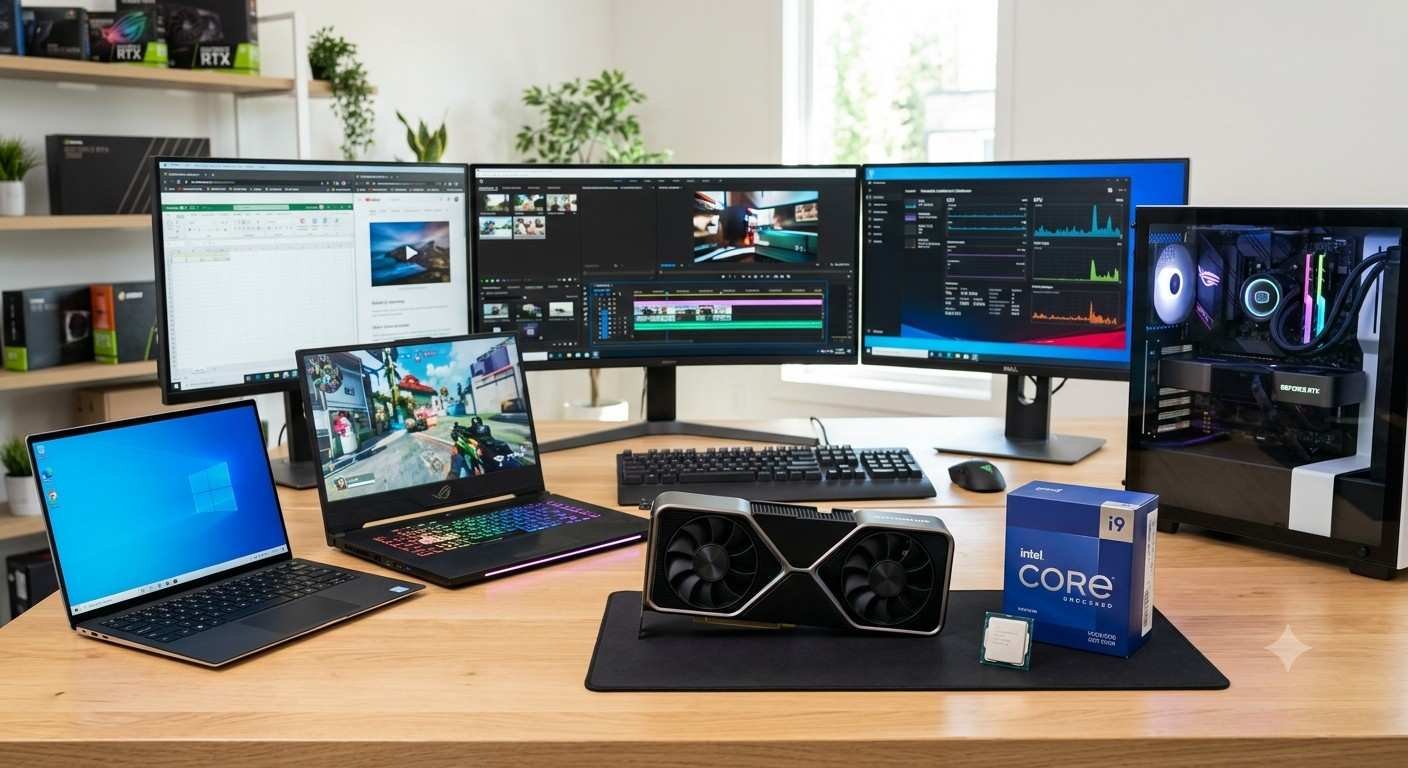
A “bottleneck” occurs when one component is significantly faster than the other, preventing the system from performing at its peak. For example, if you pair a ultra-high-end, expensive GPU with a budget-friendly, slow CPU, the CPU won’t be able to “keep up” with the data being sent to the graphics card. This results in stuttering and lost performance.
- For Gaming: A mid-range CPU paired with a powerful GPU is often the “sweet spot.”
- For Productivity/Editing: A high-core-count CPU is often more important than the GPU, unless you are doing heavy GPU-accelerated rendering.
Final Thoughts
The CPU and GPU are not just pieces of silicon; they are the heart of your digital productivity and entertainment. By carefully matching these components to your specific needs—whether it is competitive gaming, content creation, or professional heavy lifting—you can ensure your computer remains a powerful asset for years to come.
Before your next upgrade, always check that your CPU and GPU are a “balanced match” to get the absolute most value out of your investment.
Would you like to know more about how to check for potential bottlenecks in your current computer system?