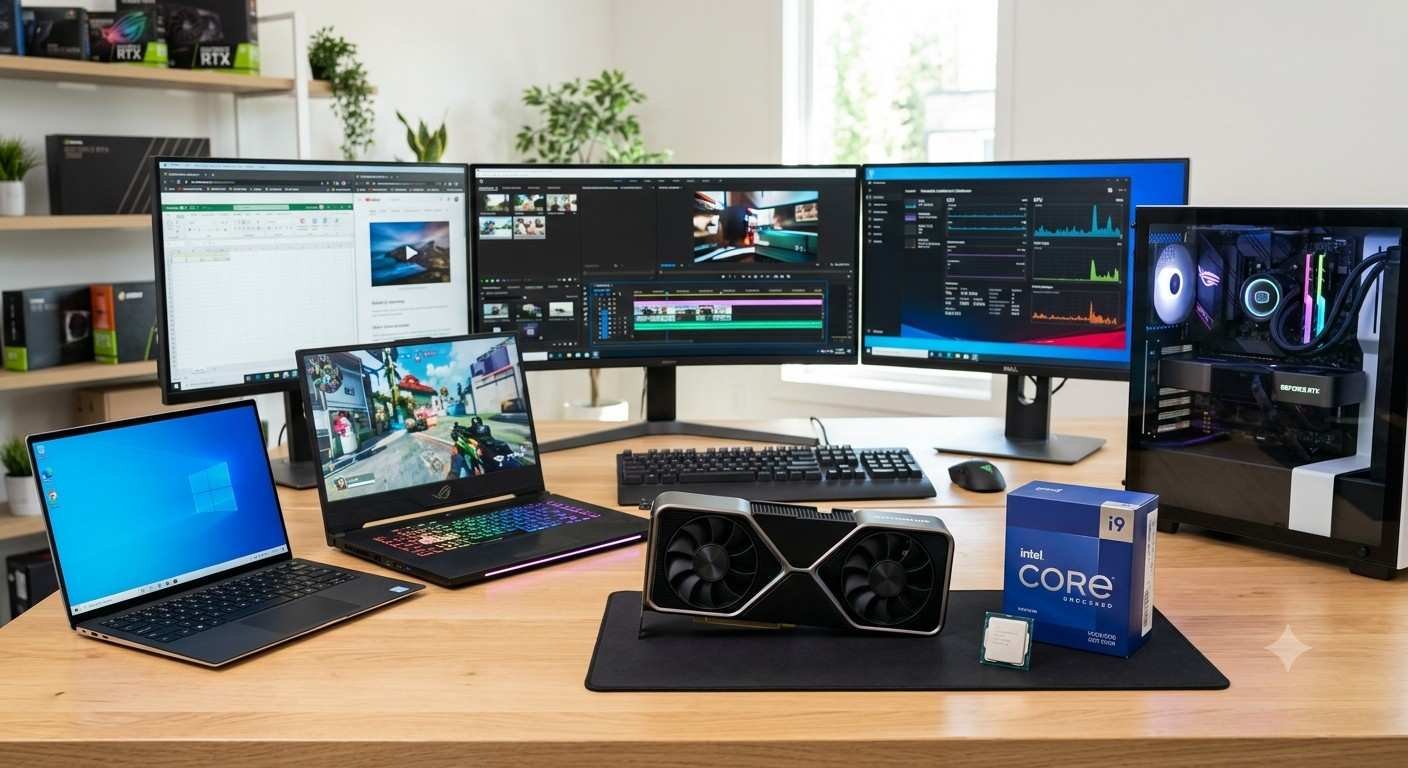
In today’s advanced digital era, technology has become a fundamental and inseparable part of our daily lives. Whether you are a high school or university student, an office professional managing heavy workloads, or a hardcore gamer seeking the ultimate experience, a reliable and fast computing system is a top priority. With the sheer variety of options available in the market today, selecting the right hardware can quickly become an overwhelming task.
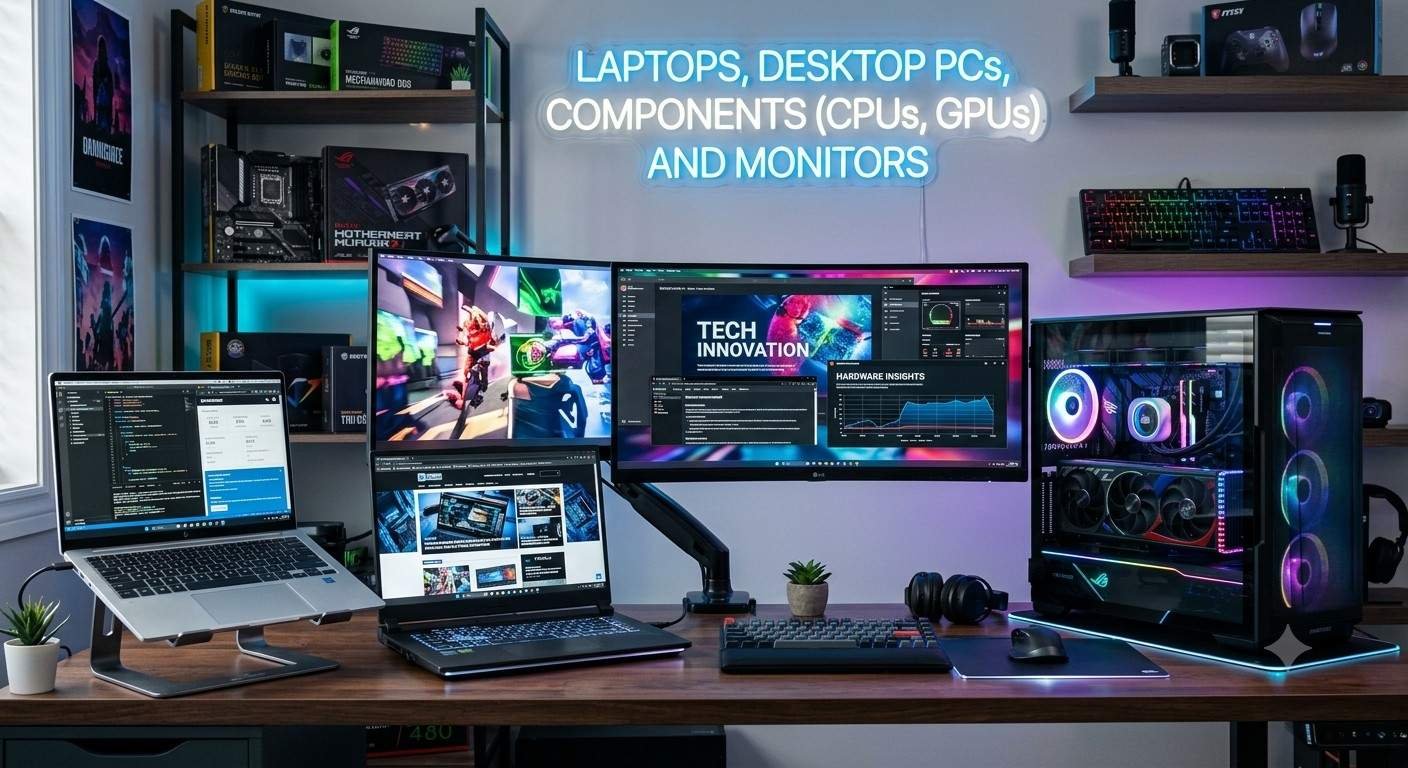
This comprehensive guide will break down everything you need to know about Laptops, Desktop PCs, Internal Components (CPUs and GPUs), and Monitors. By understanding the specific roles and advantages of each, you will be equipped to make the best purchasing decision tailored to your unique budget and requirements.
1. Laptops: The Perfect Blend of Portability and Performance
Laptops are the absolute best choice for individuals who are constantly on the move and need to carry their work with them. The biggest advantage of a laptop is its portability. Everything required to operate the machine—the screen, keyboard, trackpad, internal hardware, and battery—is packed into a single, compact device.
Common Types of Laptops:
- Ultrabooks: These laptops are designed to be extremely thin, sleek, and lightweight. They offer exceptional battery life and are perfect for daily tasks, web browsing, media consumption, and general office work.
- Gaming Laptops: These machines are slightly thicker and heavier to accommodate high-performance processors, dedicated graphics cards (GPUs), and robust cooling systems. They are built specifically for playing the latest AAA games and handling demanding tasks like heavy video editing.
- Business Laptops: Focused heavily on security, durability, and reliability, these laptops often feature biometric logins (fingerprint scanners), hardware-level encryption, and batteries designed to last through a long workday.
- 2-in-1 Laptops (Convertibles): Featuring hinges that can rotate 360 degrees or screens that detach completely, these devices function as both laptops and tablets. They are highly favored by digital artists and students for drawing and note-taking.
2. Desktop PCs: Maximum Power, Superior Cooling, and Endless Customization
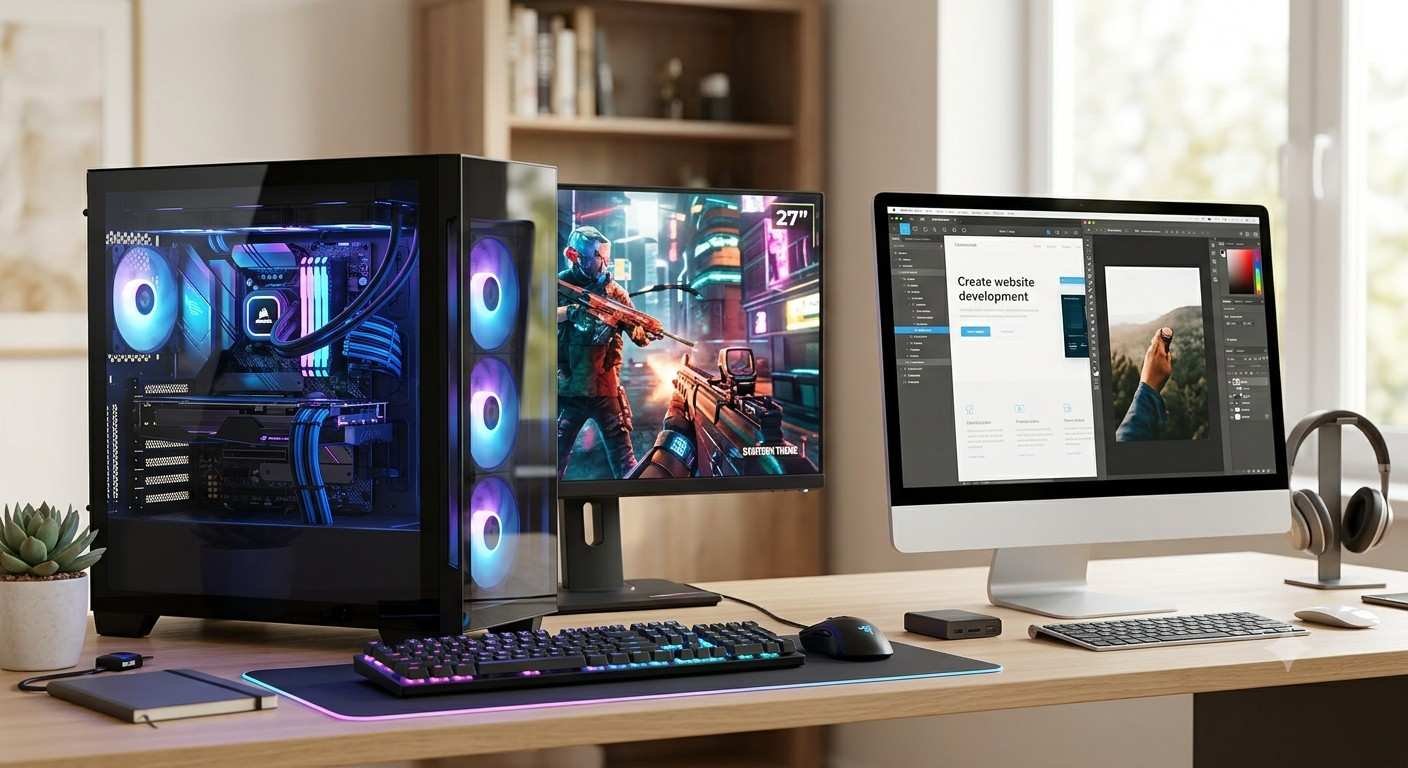
If your workflow requires you to stay at a fixed desk and you demand maximum computational power, a Desktop PC remains completely unmatched. Desktops feature superior cooling capabilities, allowing them to handle the heaviest, most demanding tasks for extended periods without overheating.
Key Advantages of Desktop PCs:
- Ultimate Upgradability: Unlike laptops, where components are often soldered to the motherboard, a desktop PC allows you to swap out almost any part at any time. You can easily upgrade your processor, add a more powerful graphics card, or install extra RAM and storage.
- Price-to-Performance Ratio: When comparing devices at the exact same price point, a custom-built desktop PC will almost always deliver significantly more speed and raw power than a laptop.
- Better Thermal Management: The spacious interior of a desktop case allows for excellent airflow. Large fans and advanced liquid cooling systems keep the internal hardware running at optimal temperatures, which is crucial for heavy gaming and 3D rendering.
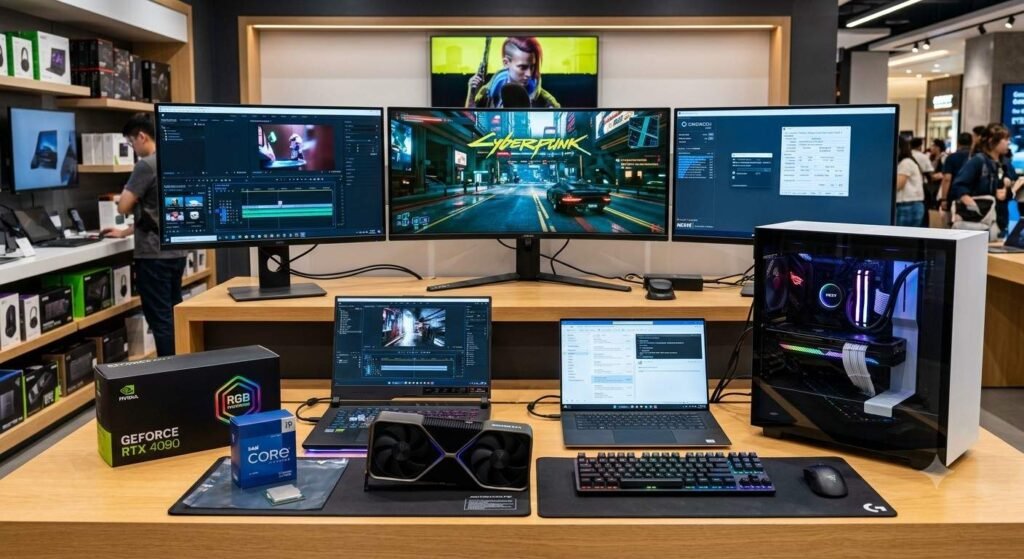
Laptops vs. Desktop PCs: A Quick Comparison
| Feature | Laptops | Desktop PCs |
| Portability | Highly portable; easily carried anywhere. | Stationary; strictly restricted to a desk. |
| Performance | Great, but restricted by thermal limits. | Exceptional; utilizes full component power. |
| Upgradability | Limited (usually just RAM and Storage). | Limitless; every component can be swapped. |
| Peripherals | Built-in screen, keyboard, and trackpad. | Requires purchasing a separate monitor, keyboard, and mouse. |
3. Internal Components: The Heart and Brain of the System
The true speed, capability, and longevity of any PC or laptop depend entirely on the components housed inside it. Among these, the most critical roles are played by the CPU and the GPU.
A. CPU (Central Processing Unit) – The Brain
The CPU is the central brain of your computer. Every command you issue, application you open, and keystroke you make goes through the CPU first for processing. Currently, Intel and AMD are the dominant manufacturers in the CPU market.
- Cores and Threads: Modern CPUs are divided into multiple “cores.” The more cores your CPU has, the better it is at handling multiple tasks simultaneously (multitasking). Quad-core (4 cores), Hexa-core (6 cores), and Octa-core (8 cores) processors are the standard for modern computing.
- Clock Speed: Measured in Gigahertz (GHz), this metric determines how fast the CPU can process data and execute instructions. A higher clock speed is incredibly important for gaming and single-core dependent software.
B. GPU (Graphics Processing Unit) – The Visual Powerhouse
If the CPU is the brain, the GPU is the specialized engine responsible for rendering every image, video, animation, and 3D environment on your screen. In the desktop world, this is commonly referred to as a Graphics Card. NVIDIA and AMD Radeon are the leading giants in this category.
- Integrated vs. Dedicated GPU: Integrated graphics are built directly into the CPU and are perfectly fine for basic tasks like watching YouTube or working in Excel. However, for modern gaming, professional video editing, or 3D modeling, a Dedicated GPU (a separate, powerful chip or physical card) is an absolute necessity.
- VRAM (Video RAM): Dedicated graphics cards have their own memory pool called VRAM. High-resolution gaming (such as 1440p or 4K) and high-resolution video timelines require significant VRAM (typically 8GB, 12GB, or more) to run smoothly.
CPU vs. GPU: Understanding the Division of Labor
| Component | Primary Function | Crucial Specifications |
| CPU | Runs the operating system, executes programs, and handles general logic. | Cores, Threads, Base/Boost Clock Speeds. |
| GPU | Renders graphics, outputs video, and processes complex visual mathematics. | VRAM, CUDA/Stream Processors, Memory Bandwidth. |
4. Monitors: Your Window to the Digital World
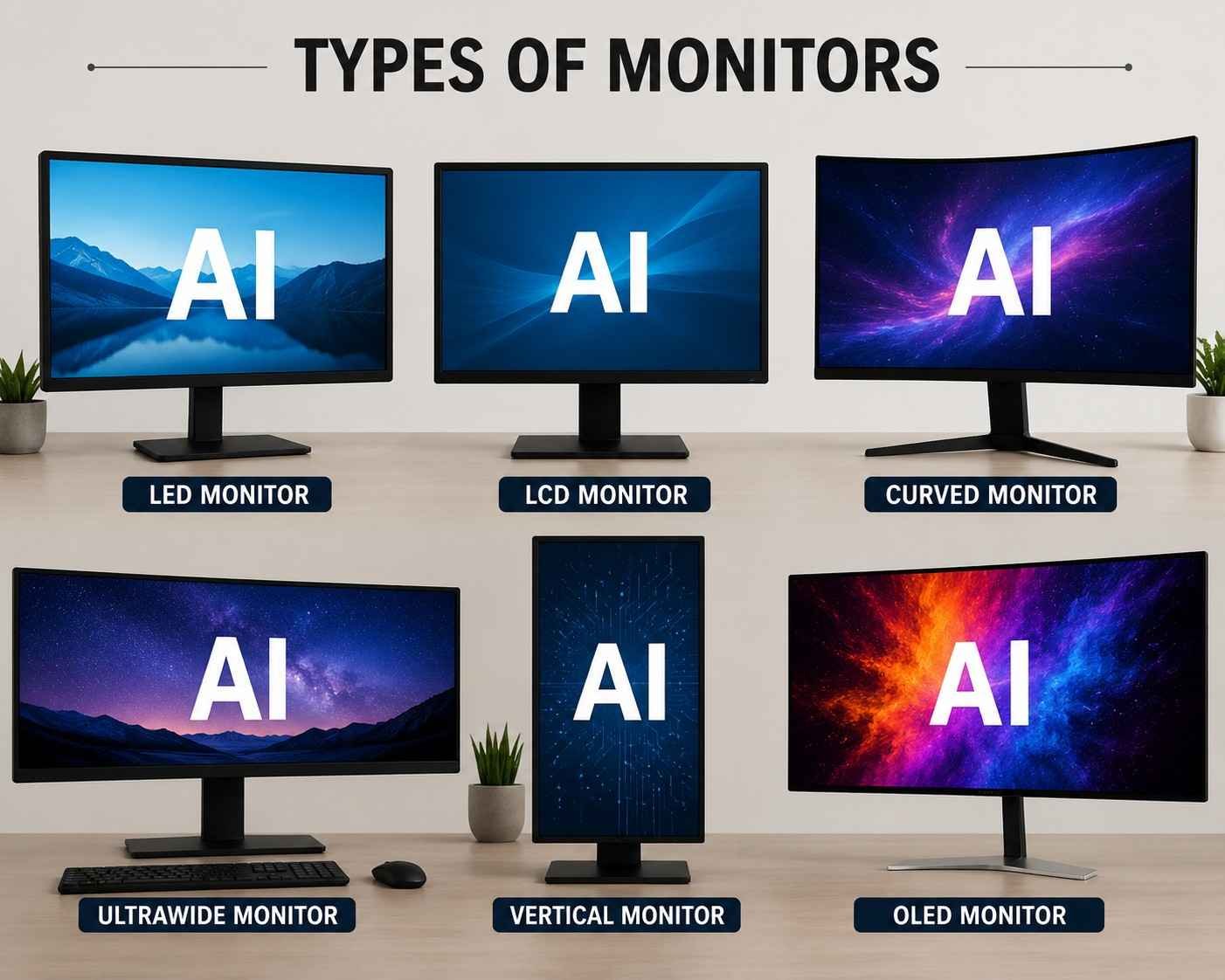
No matter how incredibly powerful your internal components are, an inferior monitor will completely ruin the experience. The monitor dictates how you see your hardware’s output, making the selection of a high-quality display essential.
Crucial Factors When Buying a Monitor:
- Resolution: This indicates the total number of pixels on the screen. More pixels mean sharper, clearer text and images.
- 1080p (Full HD): The golden standard for budget builds, basic office work, and entry-level gaming.
- 1440p (2K): The current “sweet spot” for modern gamers and creators, offering a massive leap in visual detail without demanding as much raw power as 4K.
- 4K (Ultra HD): Ideal for cinematic movie viewing, professional photo/video editing, and ultra-high-end gaming where maximum visual fidelity is required.
- Refresh Rate: This determines how many times per second the monitor updates the image on the screen, measured in Hertz (Hz). A standard monitor is 60Hz. If you play fast-paced, competitive action games, upgrading to a 144Hz or 240Hz monitor will provide a buttery-smooth, lag-free experience that provides a distinct competitive advantage.
- Panel Types:
- IPS (In-Plane Switching): Delivers the most vibrant, accurate colors and the widest viewing angles. This is the top choice for graphic designers and content creators.
- TN (Twisted Nematic): While color reproduction is noticeably weaker, TN panels offer the absolute fastest response times, making them popular among hardcore esports professionals.
- VA (Vertical Alignment): Serving as a middle ground, VA panels offer incredible contrast ratios and extremely deep blacks, making them fantastic for watching movies and playing immersive, story-driven games in dark rooms.
Conclusion
Navigating the world of technology ultimately comes down to accurately identifying your specific needs and aligning them with your budget. If you require mobility and flexibility, invest in a high-quality Laptop. If you plan to work from a dedicated desk and need raw power for intensive applications or gaming, build a custom Desktop PC equipped with a capable CPU and GPU. Finally, to truly appreciate the power of your new machine, pair it with a sharp, color-accurate, and fast Monitor. By understanding these fundamental pillars of modern computing, you are now ready to build or buy the perfect digital setup!